What Is a Scribble Account and How Does It Work?
A Scribble account gives veterinary teams a centralised place to manage clinical notes and documentation. Here is what it does, how to get started, and how it fits into a modern practice workflow.


What Is a Scribble Account?
A Scribble account gives veterinary professionals access to a note-taking and documentation platform built specifically for clinical practice. Unlike a generic tool such as Google Docs or Notion, Scribble is designed around the way vets and nurses actually work. Each account connects to one or more workspaces, a library of clinical templates, and a shared notes area where the whole team can contribute and read in real time.
Accounts come in two main forms. An individual account suits a sole practitioner or a locum who needs their own organised workspace. A team account ties multiple users together under one practice, with shared folders, permission levels, and a single billing relationship. The distinction matters from day one, because the setup process is different and switching types later takes effort.
Veterinary teams reach for Scribble rather than a generic notes app for one simple reason: the templates already speak their language. SOAP note structures, pre-anaesthetic checklists, and shift-handover formats are built in. That saves time every single day.
Setting Up Your Scribble Account: Step by Step
Registration takes about five minutes if you have the right information ready. Here is the sequence a head nurse or practice manager will typically follow.
- Go to the Scribble sign-up page and enter your work email address. Use your practice domain rather than a personal Gmail if at all possible. It makes it much easier to link colleagues later.
- Select your role from the dropdown. Options usually include clinician, nurse, receptionist, and practice manager. This sets your default permission level and the template library you see first.
- Associate your account with your practice. If your practice is already registered, search by name or postcode. If it is not, you create the practice record here and become its administrator.
- Verify your email and log in for the first time.
Once you are in, the next job is inviting your team. Send invitations directly from the Users panel. Each invitation asks the new member to confirm their role, which determines what they can edit versus what they can only view. A receptionist who can accidentally overwrite a clinical note is a problem you can avoid at this stage.
Workspace configuration is where most practices lose time. Before you start creating folders, agree on a naming convention. Something like Species / Department / Note Type keeps things findable six months later. Load your most-used templates early, rename them to match your practice's own terminology, and pin them so they appear at the top of the list.
The two most common setup mistakes are skipping role assignments and leaving the default folder structure in place. Both create a messy, hard-to-search workspace within weeks.
Account Tiers and What Each Includes
Scribble offers a free tier and at least one paid tier. The table below gives a general comparison. Feature sets and limits do change, so verify the current details directly with Scribble before sharing this with your team.
| Tier | User Seats | Storage | Templates | Integrations | Best For |
|---|---|---|---|---|---|
| Free | 1 to 3 | Limited | Core library only | None | Solo clinicians |
| Pro | Up to 15 | Expanded | Full library plus custom | Select PMS tools | Small to mid-size practices |
| Enterprise | Unlimited | Unlimited | Full library plus custom | Full API access | Multi-site groups |
For a solo clinician, the free tier is a reasonable starting point. For any practice running more than one vet, the Pro tier's shared templates and expanded storage quickly pay for themselves in time saved.
How Veterinary Teams Use Scribble in Daily Practice
Picture a busy Monday morning. Three nurses are finishing their weekend handovers at the same time as two surgeries are being prepped. Without a shared system, someone is scribbling on a whiteboard and someone else is re-reading a paper form with a coffee stain across the bottom.
With a Scribble account open on the prep-room tablet, the night nurse types her handover note using the shift-handover template. By the time the morning team arrives, the note is already there, timestamped, and readable on any device. The vet doing the first surgery pulls up the pre-anaesthetic checklist for that patient, works through it, and ticks each item. The form saves automatically.
During consults, SOAP note drafting works best when the vet speaks to the client and types in parallel. Scribble's templates prompt for Subjective, Objective, Assessment, and Plan fields in order, which keeps notes complete even when the consult runs long. Nurses can add their own observations to the same note, then the vet reviews and signs off.
Linking Scribble notes to other practice-management tools is possible at the Pro and Enterprise tiers. Even without a formal integration, copy-paste works fine for transferring a completed note into your PMS. It is a small extra step, but it keeps both systems accurate.
Scribble Account Security and Data Considerations
Any platform that holds client names, patient records, or clinical notes touches regulated data. The exact obligations depend on your country and, in some cases, your registration body. In the UK, for example, practices must consider GDPR alongside RCVS record-keeping guidance. In Australia, the requirements differ by state. The principle is the same everywhere: you are responsible for the data, even if a third party stores it.
Before you go live, ask Scribble two specific questions. First, where is the data stored physically, and does that meet your country's residency rules? Second, who within Scribble can access your practice's notes, and under what circumstances? Their answers should be in writing.
Day-to-day security comes down to three habits. Use strong, unique passwords and a password manager. Turn on two-factor authentication for every account holder. And set role-based permissions carefully, as described in the setup section above, so that access matches responsibility.
When a staff member leaves, act the same day. Deactivate their account from the Users panel rather than simply changing their password. Deactivation removes access immediately and preserves the notes they created so nothing is lost. Leaving an ex-employee's login active, even briefly, is a data risk you do not need.
Pairing Your Scribble Account with VetStack Clinical Tools
Structured notes are most useful when the numbers inside them are right. VetStack's free calculators make it easy to get those numbers quickly, without leaving your workflow to hunt through a reference book.
Say you are mid-consult with a dehydrated cat. You open the IV fluid rate calculator, enter the patient's weight and estimated deficit, and get a rate in seconds. You copy that figure straight into the fluid plan field of your Scribble note. No transcription error, no second-guessing. The same approach works with the drug dosage calculator for pre-med calculations or any other weight-based drug. And if you want to check whether a patient's vitals are within normal range before you write your assessment, the normal vital signs reference gives you a quick lookup by species.
None of this requires an expensive integration. It is just two browser tabs and a copy-paste. The benefit is a Scribble note that contains accurate, traceable numbers alongside the clinical reasoning, all in one place.
A connected digital workflow does not need to be complicated. A Scribble account for structure, a handful of reliable reference tools, and clear team habits around both is enough to make most practice days run more smoothly. The investment is small. The time saved across a week of consults is not.

This blog is intended for veterinary professionals. The information presented is for general educational and reference purposes only and reflects commonly accepted clinical knowledge at the time of writing. It is not a substitute for your own clinical judgment, your practice's protocols, or a full assessment of the individual patient.
Tired of typing your SOAPs?
VetStack is an AI scribe for vets. Record your consult on any phone, get a complete, editable SOAP note in under 60 seconds, paste it into your PIMS. The average vet saves 2 hours of charting a day.
Try VetStack free5 notes a day, free forever. No credit card.
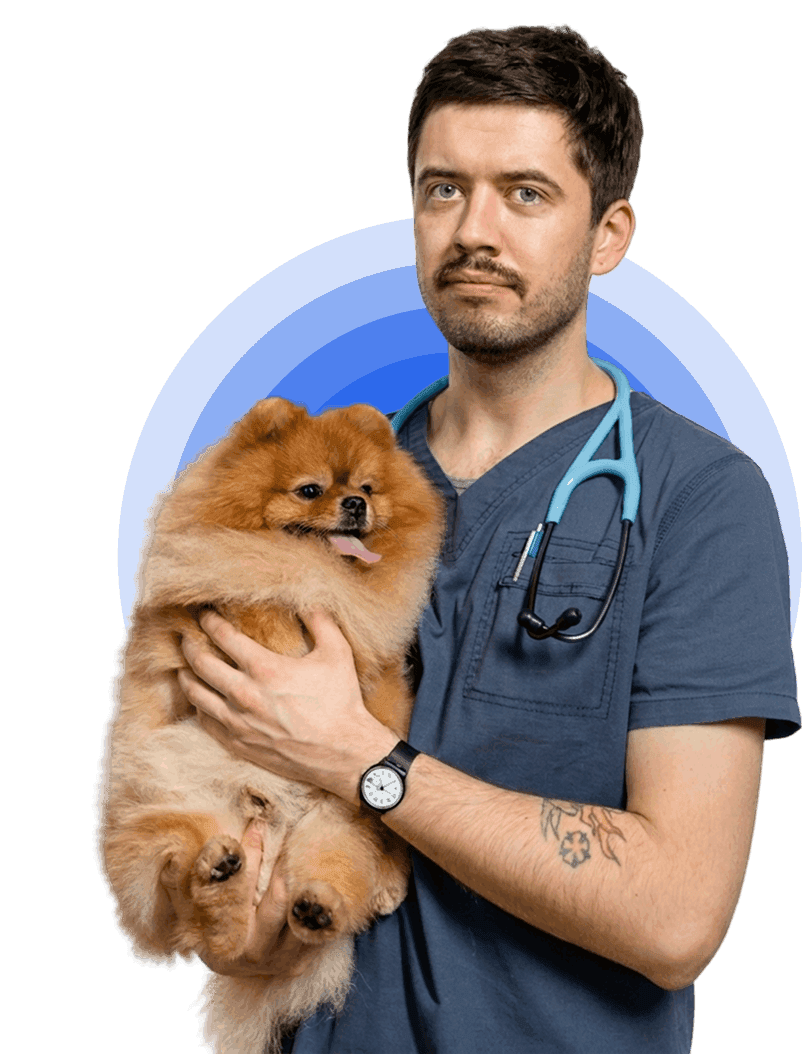
Tired of typing your SOAPs?
VetStack is an AI scribe for vets. Record your consult on any phone, get a complete, editable SOAP note in under 60 seconds, paste it into your PIMS. The average vet saves 2 hours of charting a day.
Try VetStack free5 notes a day, free forever. No credit card.
Keep reading

Dog Pain Scores: Choosing the Right Scale for Every Case
Not all pain scoring tools are built for the same job. This guide explains how validated dog pain scores work, where each scale fits into clinical practice, and what the numbers should actually prompt you to do.

Glasgow Pain Scale for Dogs: A Clinical Guide to the CMPS-SF
The Glasgow Composite Pain Scale Short Form is the gold-standard tool for assessing acute pain in dogs. Here is how to use it correctly, interpret the score, and act on what it tells you.

Getting Started with VetStack: Your First Login
Not sure what to do after your VetStack account is created? This step-by-step guide walks you through clicking the Start button and completing your first-time setup.