VetStack
FeaturesPricing
BlogFAQContact
HomeVeterinary formsAutoclave Sterilization Log

Free · Unbranded · Compliance & logs

Veterinary Autoclave Sterilization Log
Free PDF.

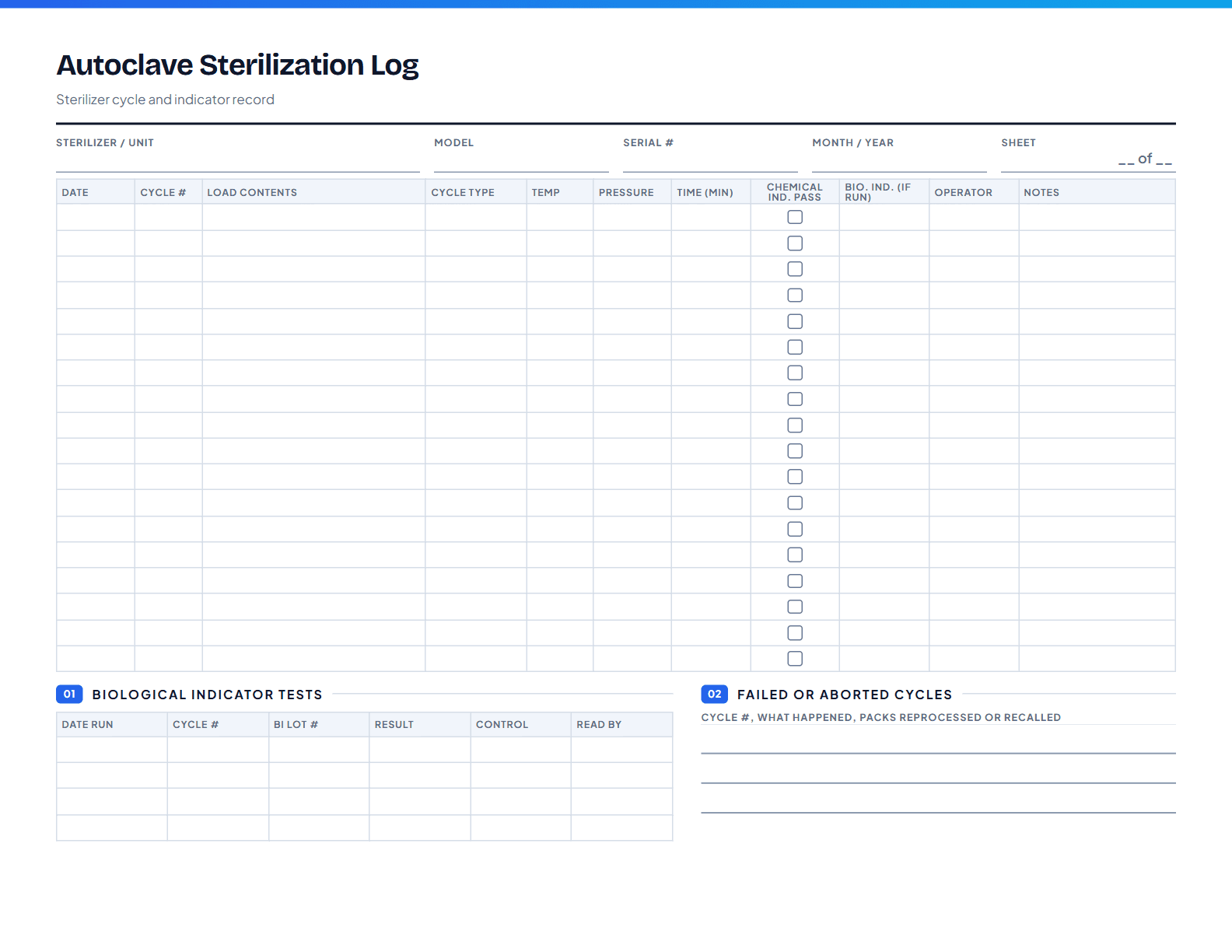
A log for every autoclave cycle: what was in the load, the temperature, pressure, and time reached, whether the chemical indicators changed, and the result of each biological indicator test. If a pack is ever questioned, the cycle can be traced.

Fill in online
  • 1 page
  • Landscape
  • Indicator results
  • Traceable loads

Unbranded: no logo or linksNo account neededPrint at 100% on US LetterUpdated November 10, 2026

Preview of page one of the Autoclave Sterilization Log
PDF · 1 page

What’s on the form

Every section, and what it’s for.

01

Sterilizer details

Unit, model, serial number, and the month the sheet covers.

02

Cycle log

Eighteen cycles with date, cycle number, load contents, cycle type, temperature, pressure, time, indicator results, and operator.

03

Biological indicators

Spore test lot, the date and result, and the control result.

04

Failed cycles

What to record and do when an indicator fails or a cycle aborts.

Fill in online

Type it, then print or save.

Every line on the form is editable right here. When you’re done, print it or choose “Save as PDF” in the print dialog. Everything stays in your browser.

Click any line to type, or add your logo. Nothing is uploaded or saved.

Full size

Using it well

Small habits that make it worth the paper.

Number every cycle

Write the cycle number on each pack label. It is the link between a pack on the shelf and this log.

Run spore tests on a schedule

Many practices run a biological indicator weekly and with every load containing implants. Follow your manufacturer’s instructions.

Quarantine after a failure

If an indicator fails, pull the packs from that cycle, reprocess them, and record what you did.

Questions about
this form.

Printing, editing, and what the form does and doesn’t cover.

What is the difference between chemical and biological indicators?+

Chemical indicators change color when exposed to certain conditions, such as temperature and steam, and are used on or in every pack. Biological indicators contain bacterial spores and show whether conditions were enough to kill them; they are the most direct test that sterilization worked.

How often should a biological indicator be run?+

Commonly at least weekly, and with any load containing implants, but follow your sterilizer manufacturer’s instructions and any state or accreditation requirements.

What temperature does an autoclave reach?+

Steam sterilizers commonly run at about 121 °C (250 °F) or 132 to 134 °C (270 to 273 °F), with exposure times that depend on the cycle and load. Use the settings in your manufacturer’s manual.

What should happen after a failed cycle?+

Do not use the load. Reprocess it, check the loading and the machine, and if a biological indicator failed, consider whether earlier loads need to be recalled. Record each step.

Often printed together

All veterinary forms
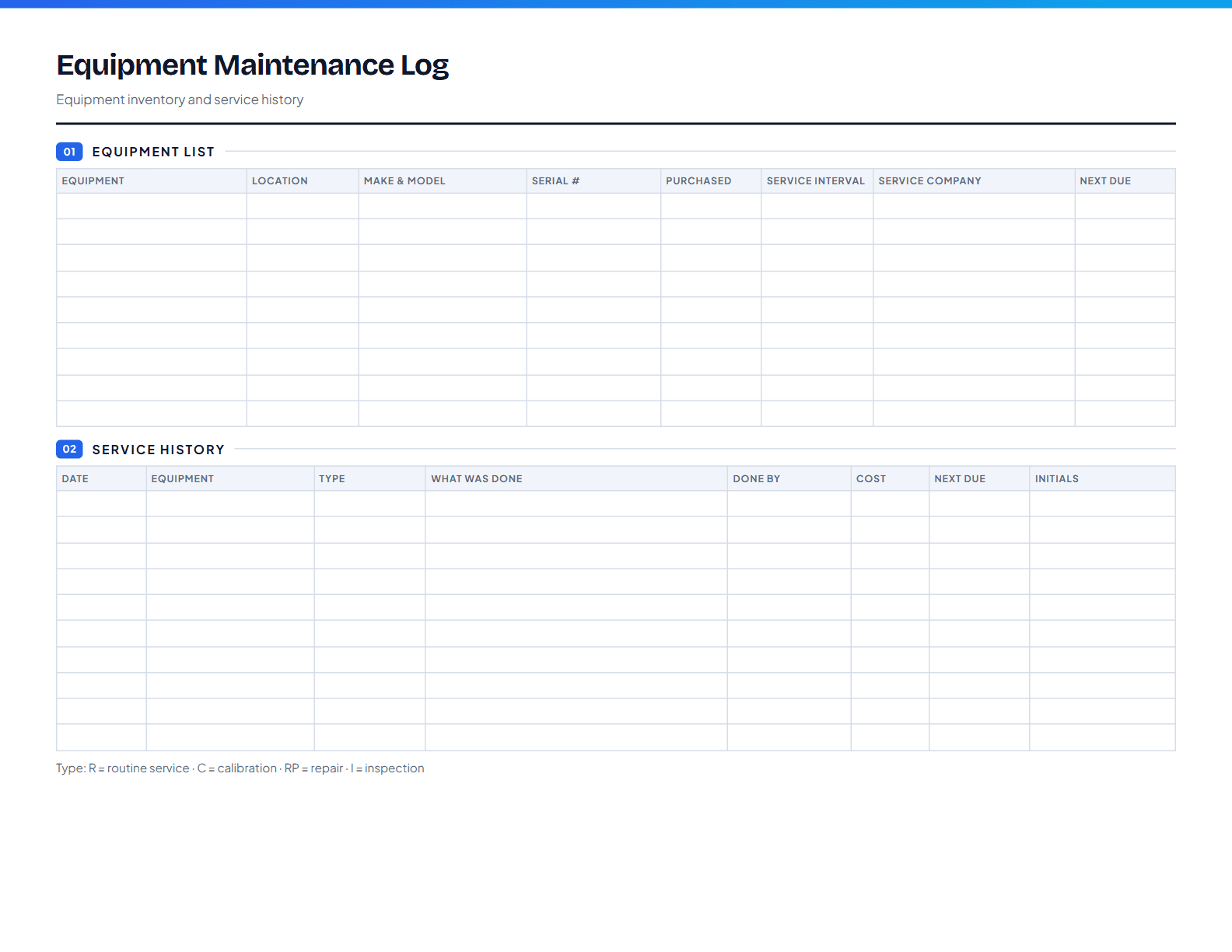
Preview of page one of the Equipment Maintenance Log

Equipment Maintenance Log

1 page, US Letter, landscape

One place to track the clinic’s equipment: what you have, its serial number, how often it needs servicing, and a history of every service, calibration, and repair. Useful for budgeting, warranty claims, and inspections.
Fill in online
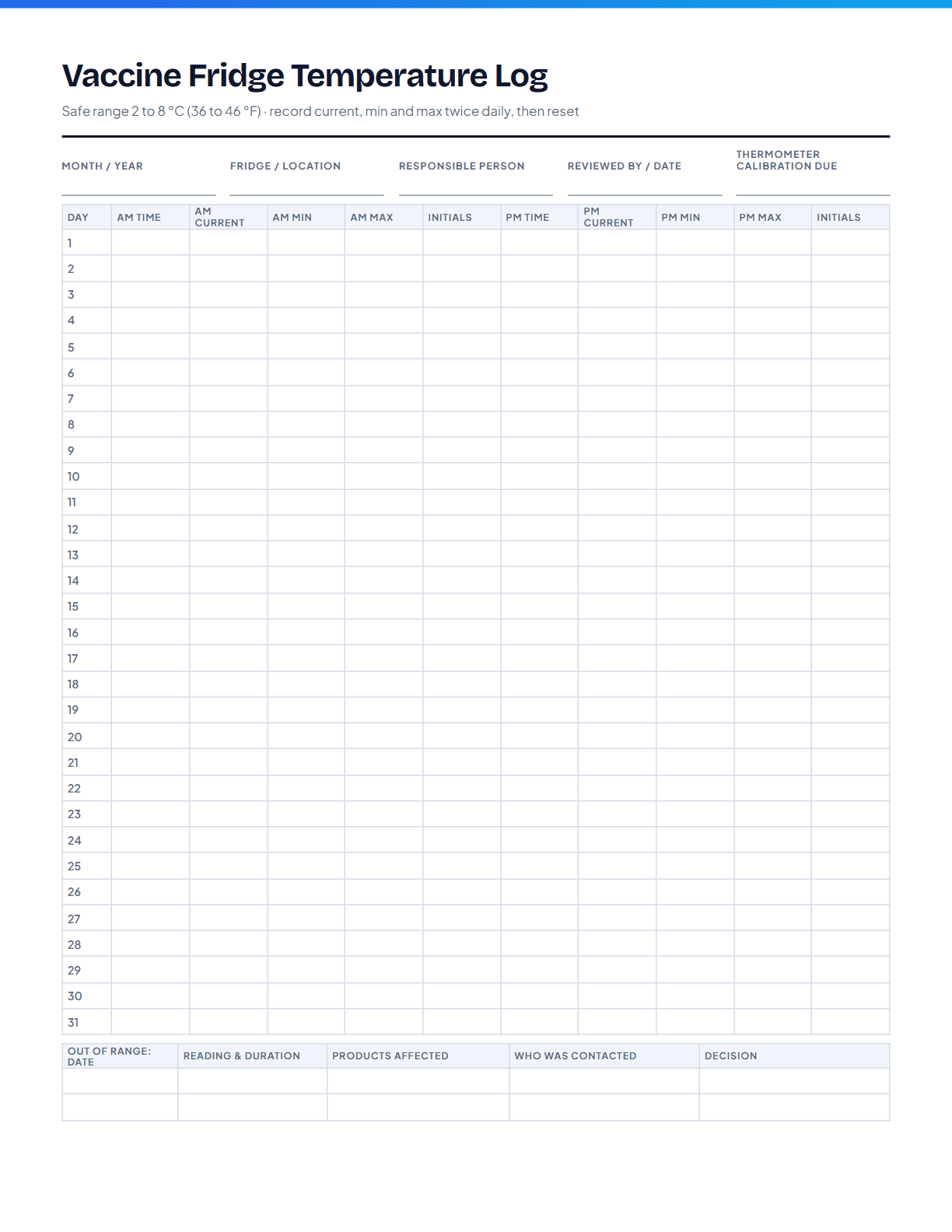
Preview of page one of the Vaccine Fridge Temperature Log

Vaccine Fridge Temperature Log

1 page, US Letter, portrait

A month-at-a-glance log for the vaccine fridge. Morning and afternoon readings with the minimum and maximum since the last check, the safe range printed at the top, and a section for what was done when a reading fell outside it.

Fill in online
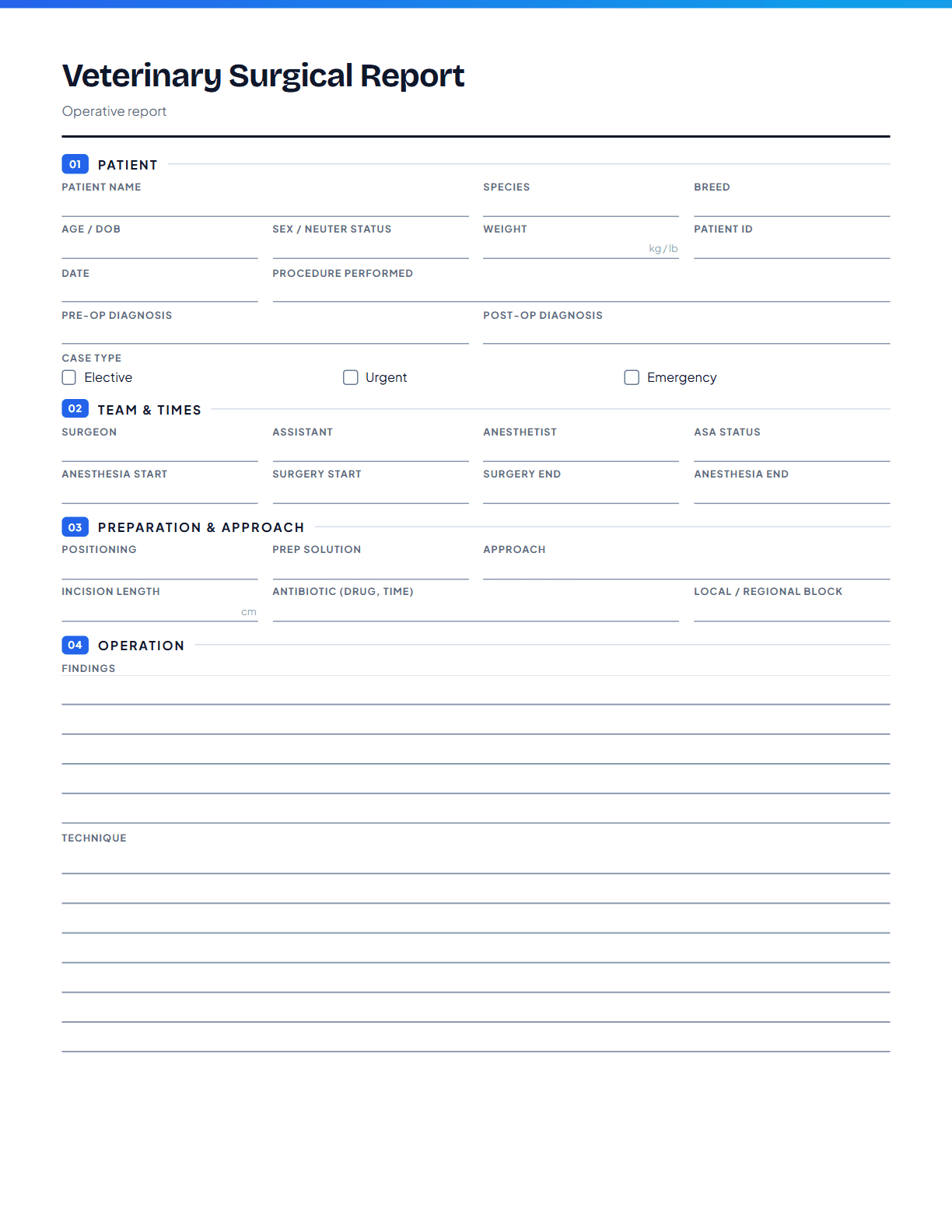
Preview of page one of the Veterinary Surgical Report

Veterinary Surgical Report

2 pages, US Letter, portrait

The operative record for the chart: who did what, what was found, how it was closed, and what happens next. It is laid out in the order a surgery is actually written up, with real room for findings and technique, so the report gets finished before the next case starts.

Fill in online

A starting point, not legal or clinical advice. VetStack’s forms are general templates. Requirements for medical records, consent, and controlled substances vary by state and practice, so review the wording with your practice’s attorney and check your state veterinary board’s rules before adopting a form as standard.

VetStack
VetStack

AI-powered SOAP note generation for veterinarians. Save time, see more patients.

Encrypted in transit and at rest, isolated per practice, and never used to train AI. How we protect your data

Stay in the loop

New tools, product updates, and clinical workflow ideas, straight to your inbox. No spam.

Free Tools

All Free ToolsBenadryl Dosage CalculatorDrug Dosage CalculatorIV Fluid Rate CalculatorBody Condition ScoreBSA CalculatorIRIS CKD StagingVaccine Schedule GeneratorPrintable Veterinary FormsSOAP Note TemplateEuthanasia Consent FormVeterinary NewsFind a VeterinarianList Your Clinic

Dog & Cat Diseases

All ConditionsParvovirus in DogsFeline HyperthyroidismHip Dysplasia in DogsChronic Kidney Disease in CatsHeartworm Disease in DogsFLUTD in Cats

Learning & Exam Prep

Free Veterinary CECE Requirements by StateVeterinary ConferencesVeterinary ExternshipsAll Exam PrepNAVLE Practice QuestionsVTNE Practice QuestionsBCSE Practice Questions

Compare

Best AI Scribe SoftwareVetStack vs ScribbleVetVetStack vs ScribenoteVetStack vs VetRecVetStack vs CoVet

Company

AboutPricingReferral ProgramBlogSalary SurveySalary by StateBecome a VeterinarianVet SchoolsCompare Vet SchoolsJob BoardPost a Job (Free)SecurityFAQContact

© 2026 Ilias Ventures LLC. VetStack is operated by Ilias Ventures LLC. All rights reserved.

PrivacyTermsCookiesAcceptable UseDisclaimerService ProvidersAccessibility